
# 7 Mistakes You're Making with Your Desk Setup (and How to Fix Them)
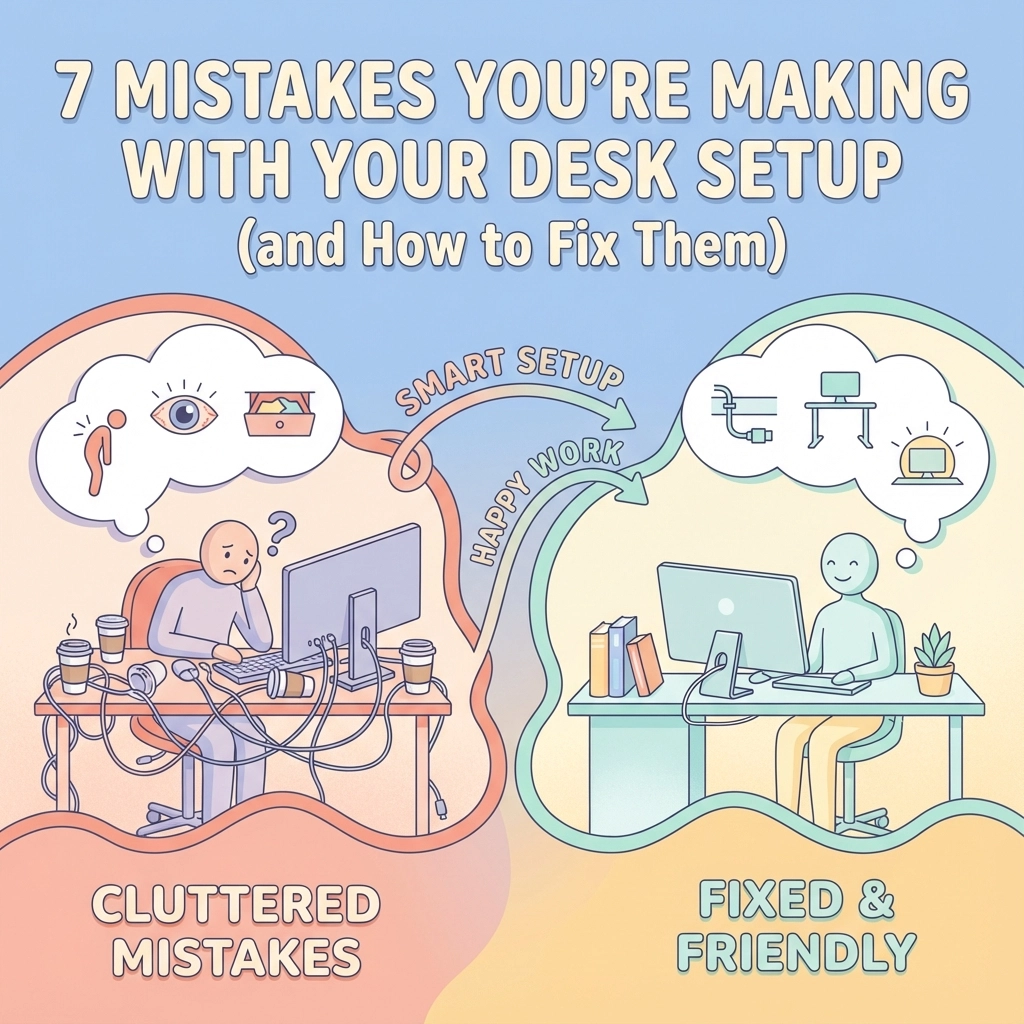
Hey there! Let's be real for a sec – how many times have you finished a workday feeling like your back, neck, or shoulders got hit by a truck? If you're nodding along (probably while hunched over your desk right now!), you're definitely not alone. Most of us are making some pretty common desk setup mistakes that are literally causing us pain.
The good news? These mistakes are totally fixable! And trust me, making these simple changes will have you feeling so much better by the end of your workday. Let's dive into the seven biggest desk setup blunders and how to fix 'em without breaking the bank.
## Mistake #1: Your Monitor is Playing Hide and Seek
**The Problem:** Your monitor is either way too low (hello, neck cramps!) or positioned at some weird angle that has you twisting like a pretzel all day long.
This is probably the biggest culprit behind those nasty neck aches. When your screen is too low, you're constantly looking down, which puts serious strain on your cervical spine. Too high? You're craning your neck upward like you're watching fireworks!
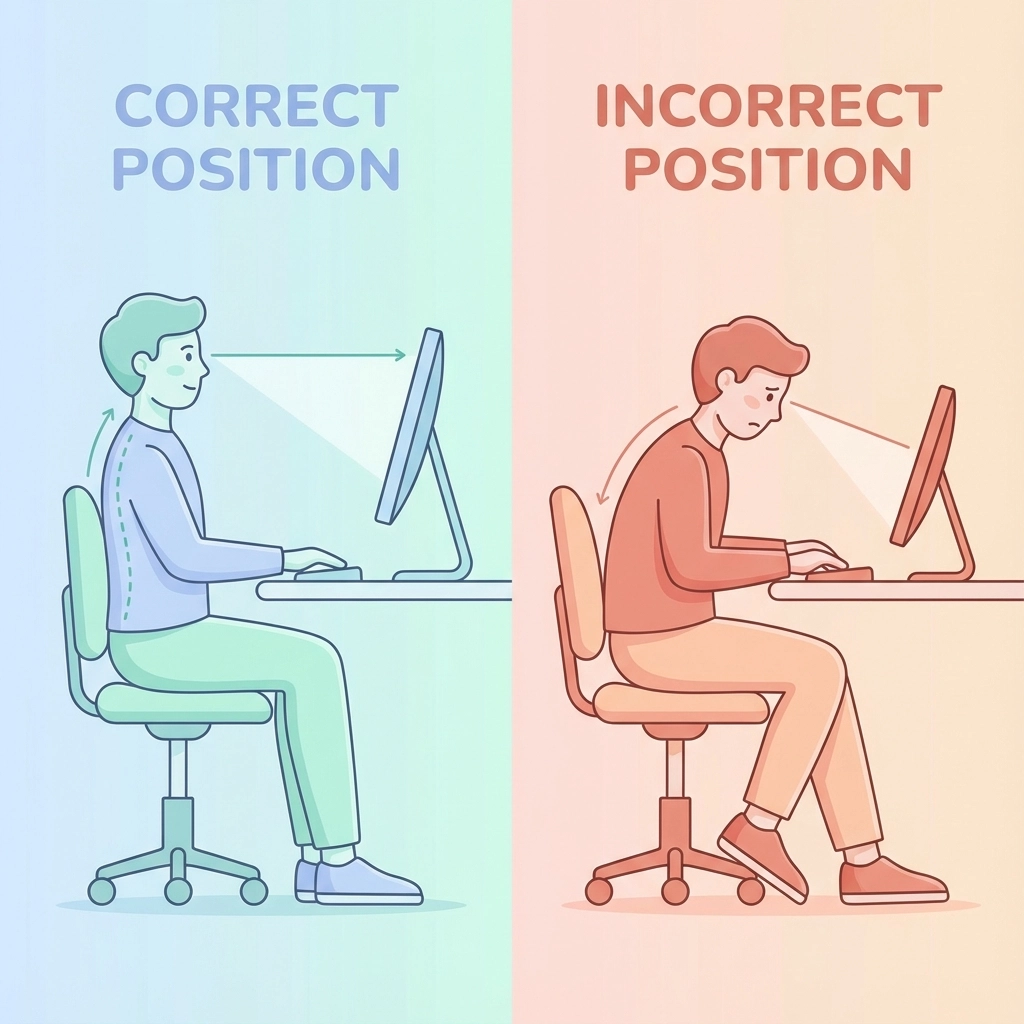
**The Fix:** Here's the golden rule – the top of your monitor should be roughly at eye level, with the center of the screen about 15-20 degrees below your natural line of sight. Think of it like you're looking slightly down at a book you're reading.
Your monitor should also be about an arm's length away from you. Can't reach it when you extend your arm? Too far. Can you practically kiss the screen? Too close!
If your monitor is too low, don't just suffer through it! Get creative – use a monitor stand, stack some sturdy books, or even grab one of those adjustable laptop stands. Your neck will thank you big time!
## Mistake #2: Your Chair Height is All Wrong
**The Problem:** Whether your chair is too high and your feet are dangling like a kid's, or too low and your knees are practically touching your chin – wrong chair height is a recipe for back pain disaster.
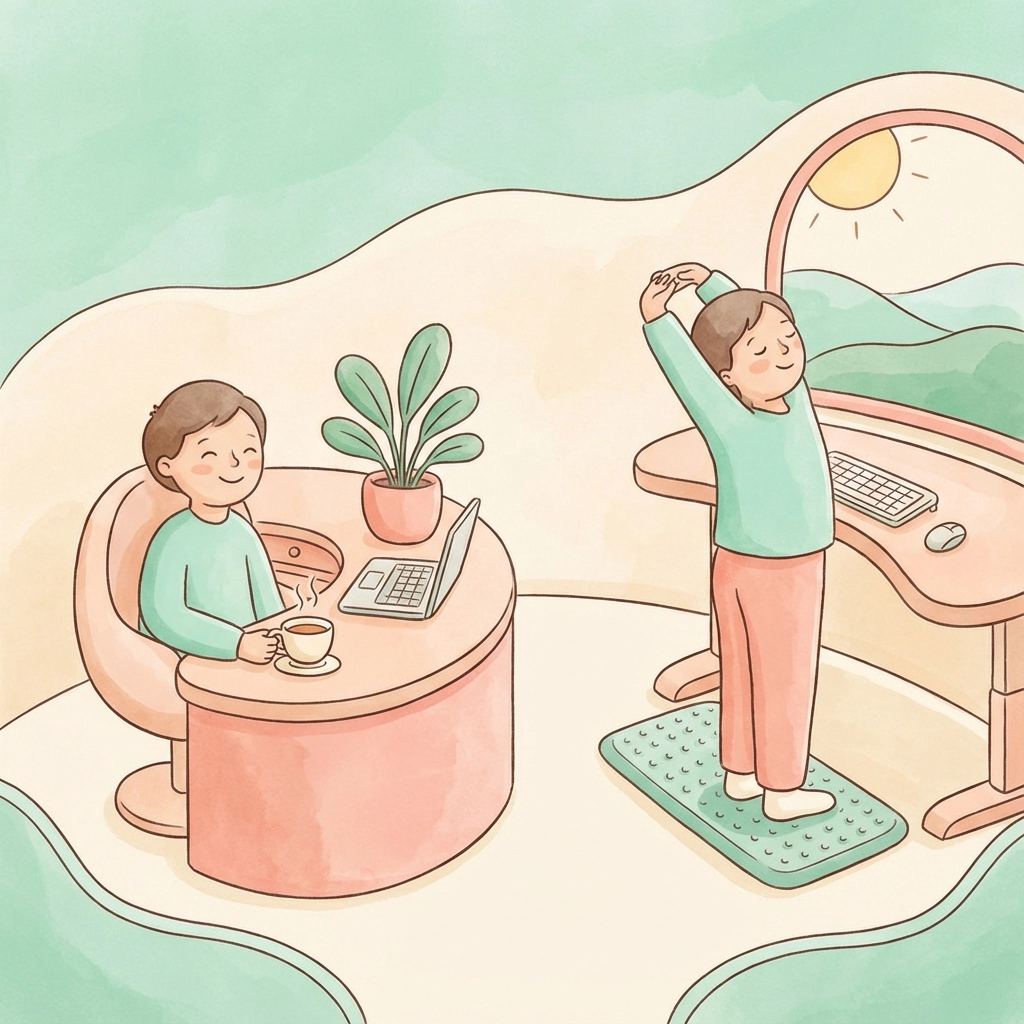
**The Fix:** Your feet should rest flat on the floor with your knees at a comfortable 90-degree angle. Your thighs should be parallel to the ground, and your shoulders should feel relaxed, not hunched up or drooping down.
Most office chairs have a pneumatic lever under the seat – use it! Don't have an adjustable chair? No problem! If your feet can't reach the floor comfortably, grab a footrest, small stool, or even stack some sturdy books under your feet. If your chair is too low and can't go higher, consider adding a cushion to boost yourself up.
## Mistake #3: Your Desk Height is Making You Miserable
**The Problem:** A desk that's too high has you shrugging your shoulders all day like you're constantly asking "I dunno?" A desk that's too low has you hunching over like you're protecting state secrets.
**The Fix:** When you're sitting with proper posture, your elbows should be at about a 90-degree angle when your hands are on your keyboard. Your wrists should be straight, not bent up or down.
Got a desk that's too low and can't be adjusted? Place some sturdy blocks or boards under the desk legs to raise it up. Desk too high? Raise your chair and use a footrest if needed. Sometimes you gotta get a lil creative, but your body will appreciate the effort!
## Mistake #4: You're a Statue (And Not the Good Kind)
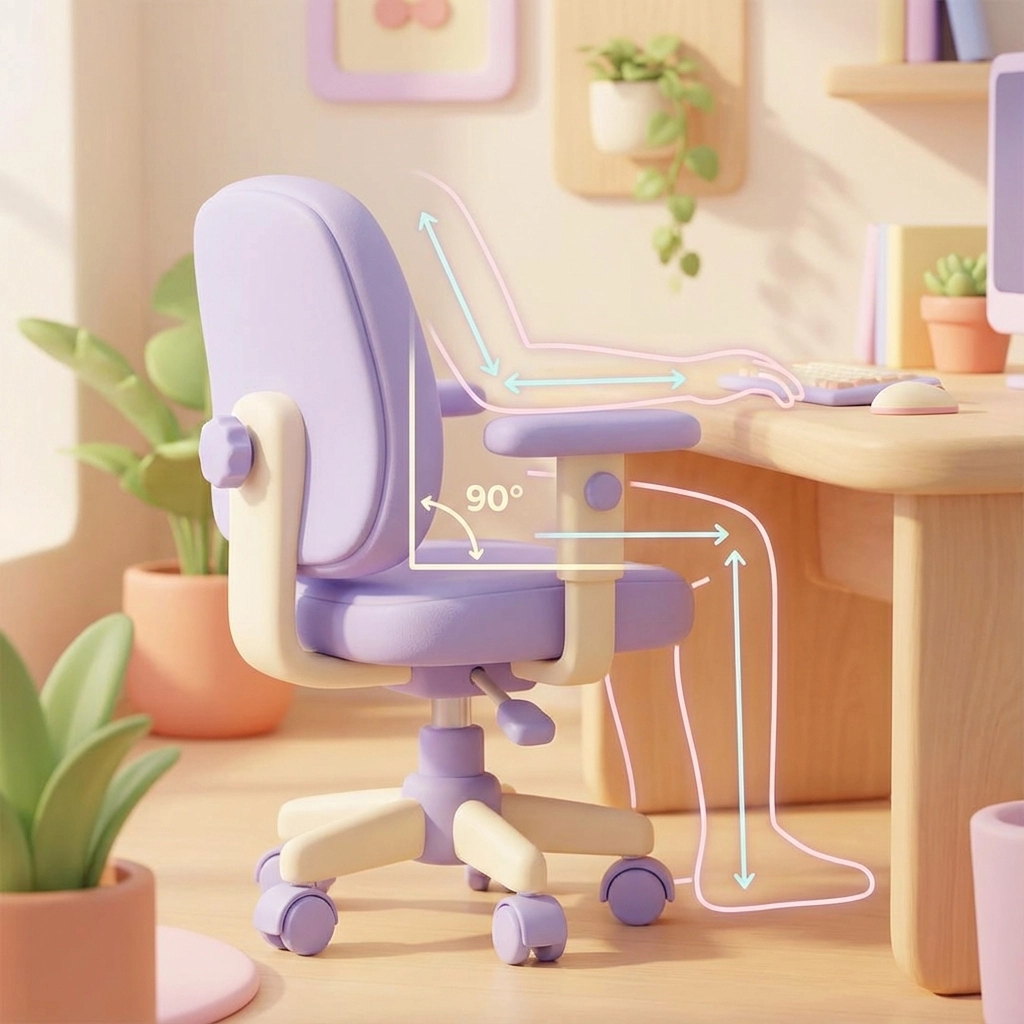
**The Problem:** Sitting in the exact same position for hours on end is like kryptonite for your body. Even if you have perfect posture, staying static for too long causes fatigue, stiffness, and all sorts of aches.
**The Fix:** Movement is medicine! Set a timer to remind yourself to get up and move every 30-60 minutes. Do some stretches, walk to get water, or just stand and wiggle around for a minute.
Consider getting a standing desk converter or adjustable desk so you can alternate between sitting and standing throughout the day. If you do stand, grab an anti-fatigue mat – these lil cushioned mats encourage subtle movement and make standing way more comfortable.
Even small movements count! Ankle rolls under your desk, shoulder shrugs, neck stretches – every bit helps keep your body happy and your energy up.
## Mistake #5: Your Keyboard and Mouse Setup is Wreaking Havoc on Your Wrists
**The Problem:** If your keyboard is too far away, too high, or at a weird angle, you're probably bending your wrists in unnatural ways all day long. This is a fast track to repetitive strain injuries that nobody wants to deal with.
**The Fix:** Keep your keyboard and mouse close to your body – you shouldn't have to reach for them. Your wrists should stay in a neutral, straight position, not bent up toward the ceiling or angled down.
If your desk has a hard edge, pad it with a towel or get a wrist rest to protect against contact stress. Your forearms should be supported, either by your chair's armrests or by resting them lightly on your desk.
Pro tip: If you're using a laptop, consider getting an external keyboard and mouse. Your shoulders and wrists will thank you!
## Mistake #6: Your Desk Looks Like a Hurricane Hit It
**The Problem:** A cluttered, disorganized workspace forces you into all sorts of awkward positions. Reaching across piles of papers, twisting to grab your stapler, hunching over to find your phone – it all adds up to serious strain.
**The Fix:** Keep your workspace neat and organized! I know, I know – easier said than done when you're swamped with work. But here's the thing: a tidy desk actually makes you more productive AND keeps your body happy.
Keep frequently used items (your phone, stapler, pens, printed materials) within easy reach. That means you can grab them without stretching, reaching, or twisting your back. Everything else can live in drawers or on shelves.
Create designated spots for everything so you're not constantly hunting around your desk. When you know exactly where things are, you move more efficiently and strain your body less.
## Mistake #7: Your Laptop Setup is a Pain in the Neck (Literally!)
**The Problem:** Laptops are convenient, but they're ergonomic nightmares! The screen is way too low, the keyboard is cramped, and using the trackpad has your wrist at a weird angle. If you're working on a laptop all day, you're probably feeling it in your neck and shoulders.
**The Fix:** If you're using a laptop as your main work computer, invest in some accessories to make it more ergonomic. Get an external keyboard and mouse, plus a laptop stand to raise that screen up to eye level.
Can't swing all the accessories right now? At minimum, try to raise your laptop screen using books or a laptop stand. Even if you have to reach a bit for the keyboard, it's better than constantly looking down at a low screen.
When you do use the laptop directly, take frequent breaks to stand up and stretch your neck and shoulders. Your future self will be so grateful!
## Quick Wins That Make a Big Difference
Here are some super simple changes you can make right now:
- **Lighting matters!** Make sure you have good lighting so you're not squinting or leaning forward to see your screen better.
- **Stay hydrated!** Keeping a water bottle at your desk encourages you to take regular sips and gives you an excuse to get up for bathroom breaks.
- **Check your posture!** Set hourly reminders to do a quick posture check. Are your shoulders relaxed? Is your back supported? Small adjustments throughout the day add up!
## The Bottom Line
Look, you spend a huge chunk of your life at your desk – shouldn't it be set up to support your body instead of sabotaging it? These fixes don't have to be expensive or complicated. Sometimes it's as simple as stacking a few books or setting a timer to remind yourself to move.
Your body is pretty amazing at adapting, but it shouldn't have to work overtime just because your desk setup is wonky. Make these changes gradually if you need to, but definitely make them! Your back, neck, and overall energy levels will improve so much that you'll wonder why you didn't do this sooner.
Ready to give your desk setup the makeover it deserves? Check out our collection of desk accessories and organizational tools at [Useful Lil Things](https://usefullilthingsllc.com/shop-all) – we've got everything you need to create a workspace that actually works for you, not against you!


